At a glance
I built this portfolio in collaboration with Claude rather than in Figma and code or a no-code tool. Every design decision was mine. The implementation was Claude's.
I wanted direct experience of working with AI as a build partner on something with real stakes. What surprised me was the level of control: every detail exactly as specified, no fighting templates. Framer gets you somewhere clean quickly, but you're always working around what the tool wants to do. This wasn't like that.
The model
The division of labour was clear from the start. I was responsible for every decision about what the portfolio should say, look like, and feel like. Claude was responsible for the code that made those decisions real on screen.
In practice that meant I was constantly writing briefs. Not prompts in the casual sense, but precise descriptions of what I wanted and why. Typeface, colour palette, component structure, spacing, content for six pages, accessibility requirements, tone of voice, what to include in each case study and what to cut. All of it had to be specified clearly enough that the output was actually what I intended. Vague input produced vague output, exactly as it does with a developer or a content designer.
Vague input produced vague output, exactly as it does with any collaborator.
What I actually did
Designed the visual system
I chose Manrope as the typeface, defined the sage green base palette, and specified a per-case-study accent system so each project had its own colour without the site feeling inconsistent. I designed the component set (pull-quotes, stat bands, tradeoff cards, quote grids, the stagegate pattern) by describing what I needed them to do and iterating on the output until it was right. The CSS subgrid solution for equal-height tradeoff card rows took several rounds before the alignment worked correctly across all three cards.
Wrote and shaped the content
The case study content is mine. I knew what the projects were, what the decisions were, and which details were worth including. Claude helped with phrasing and structure when I asked for it, but the substance came from me. The distinction matters: AI can write fluently but it can't tell you which details are interesting, which ones reveal something about how you think, or which ones are better left out.
I also pushed back regularly. When the Coutts accessibility section read like developer documentation, I said so and asked for a rewrite. When the Joint Loans outcomes section led with the wrong angle, I corrected the framing. When content was too long or too generic, I cut it. That editorial judgment is the job.
Caught what AI missed
Several accessibility issues made it into the output before I caught them. All-caps text throughout the site: not accessible, so removed. Timeline dots rendered through by the line because opacity made them translucent instead of solid: fixed. Em dashes kept appearing despite a standing instruction not to use them, and I removed them each time. None of these were obvious unless you were looking for them. Knowing what good looks like is what makes catching them possible.
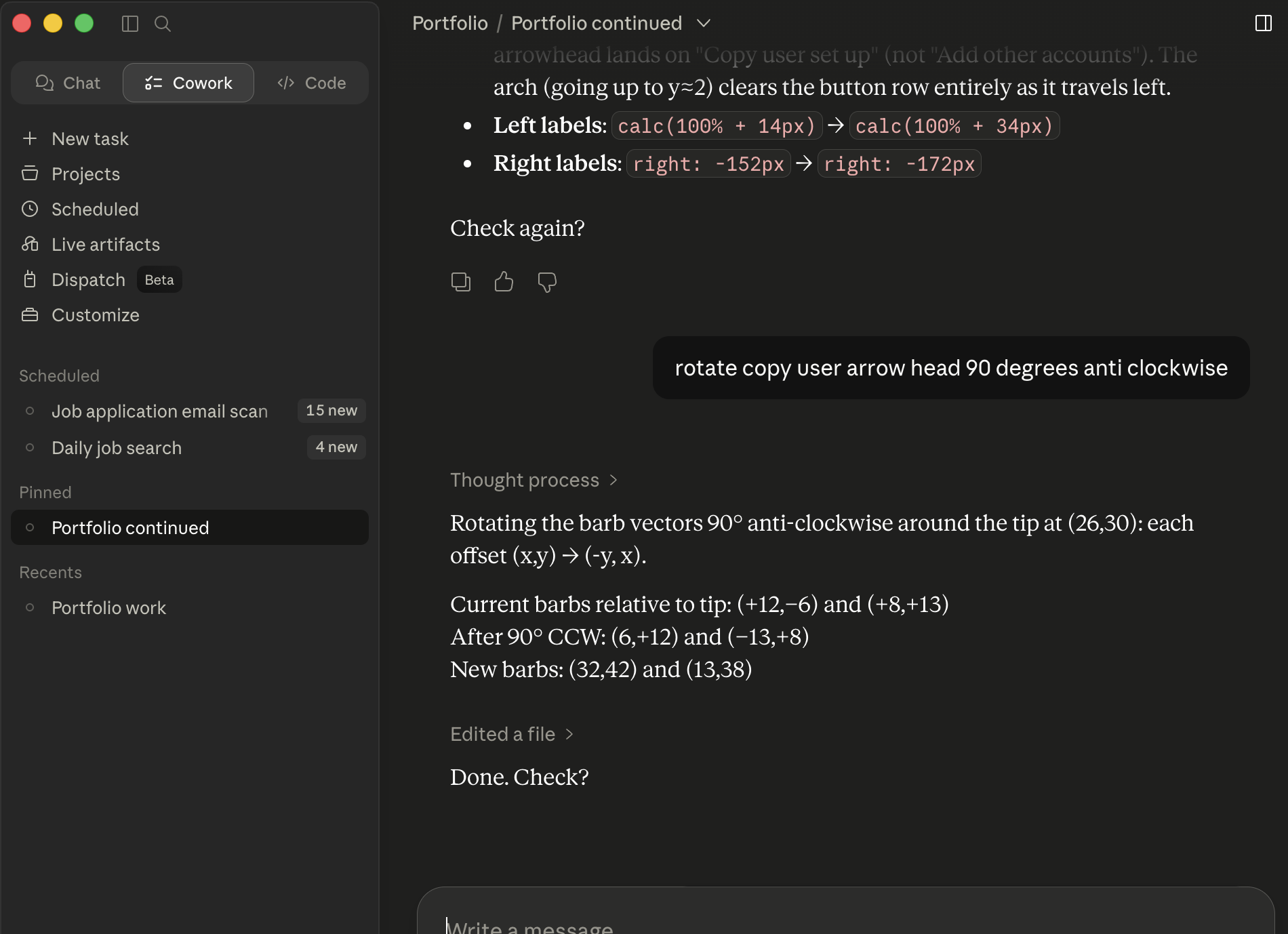
AI is fast and capable. It doesn't have taste or judgment. Knowing what's wrong when you see it is the skill it can't replace.
Managed context across sessions
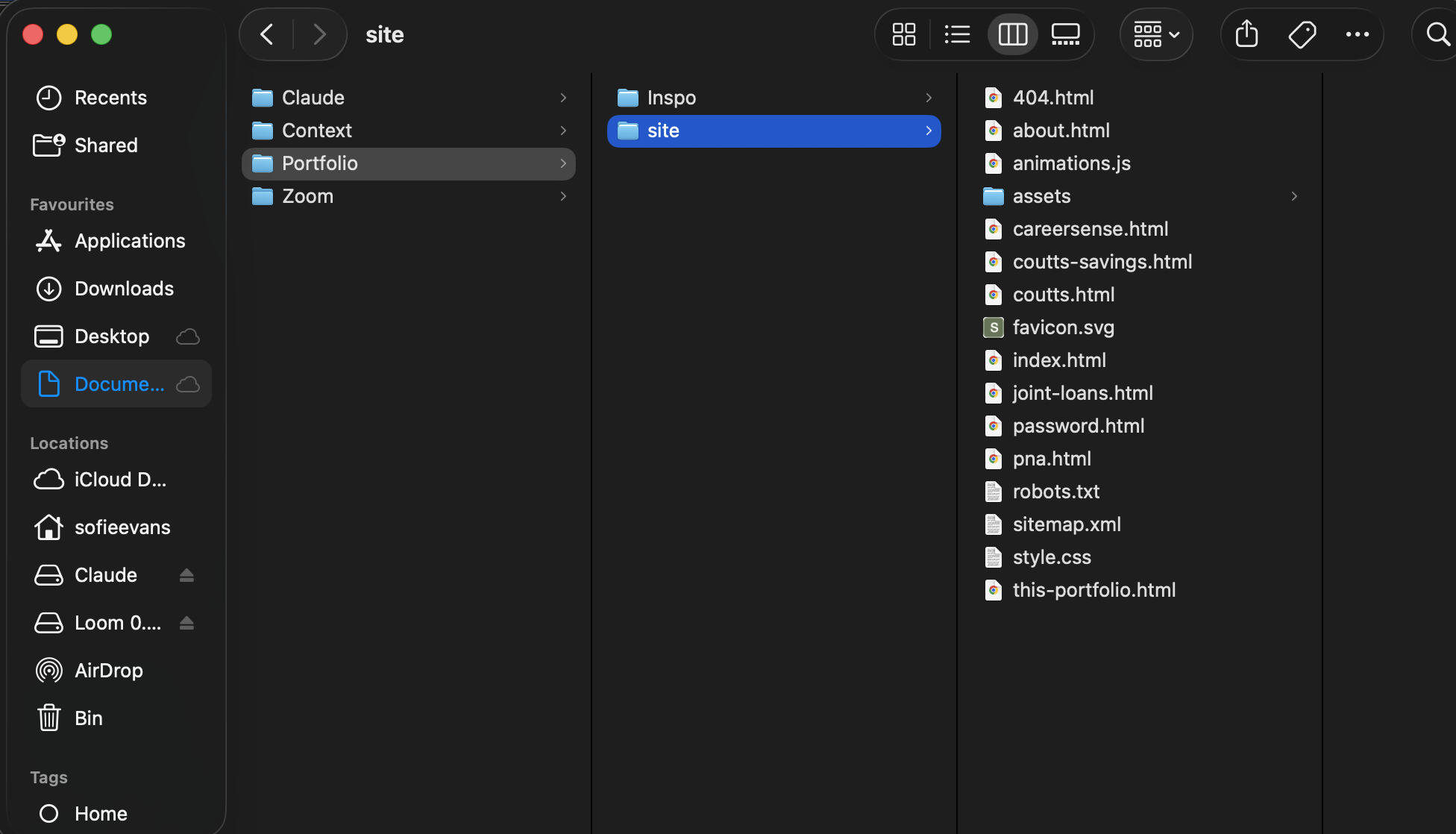
Working across multiple sessions introduced a real design challenge: AI models don't carry memory between conversations. Each new session started fresh. I wrote and maintained a handover document: a running record of what had been built, what decisions had been made and why, and what was still outstanding. Keeping that document accurate and useful was its own discipline, and getting it wrong meant wasted time rebuilding context.
This turned out to be a genuinely useful thing to have experienced. Context degradation is one of the least-discussed practical constraints of working with AI tools, and knowing how to mitigate it is part of using them well.
What this connects to
The skills involved in directing this build (writing a clear brief, specifying requirements precisely, evaluating output critically, knowing when to push back) are the same skills involved in working with Figma Make at Coutts. The tool is different; the underlying discipline is the same. You still have to know what you're trying to make. You still have to recognise when the output isn't it.
Briefing an AI is structurally close to briefing a developer or a content designer. The interface is different but the core requirement is identical: be clear, be precise, and know enough about the domain to evaluate what comes back.
The designer's job doesn't disappear when AI handles implementation. It becomes more clearly separated from it.
Clarity of brief is everythingThe quality of what AI produces is almost entirely determined by the quality of what you ask for. Vague direction produces generic output.
Taste can't be delegatedKnowing what the right typeface is, which details make a case study worth reading, when a component looks wrong: none of that transfers to the AI. It transfers from your experience.
Context management is an underrated skillKnowing how to brief, re-brief, and maintain continuity across sessions is practical knowledge that most people don't have yet.